

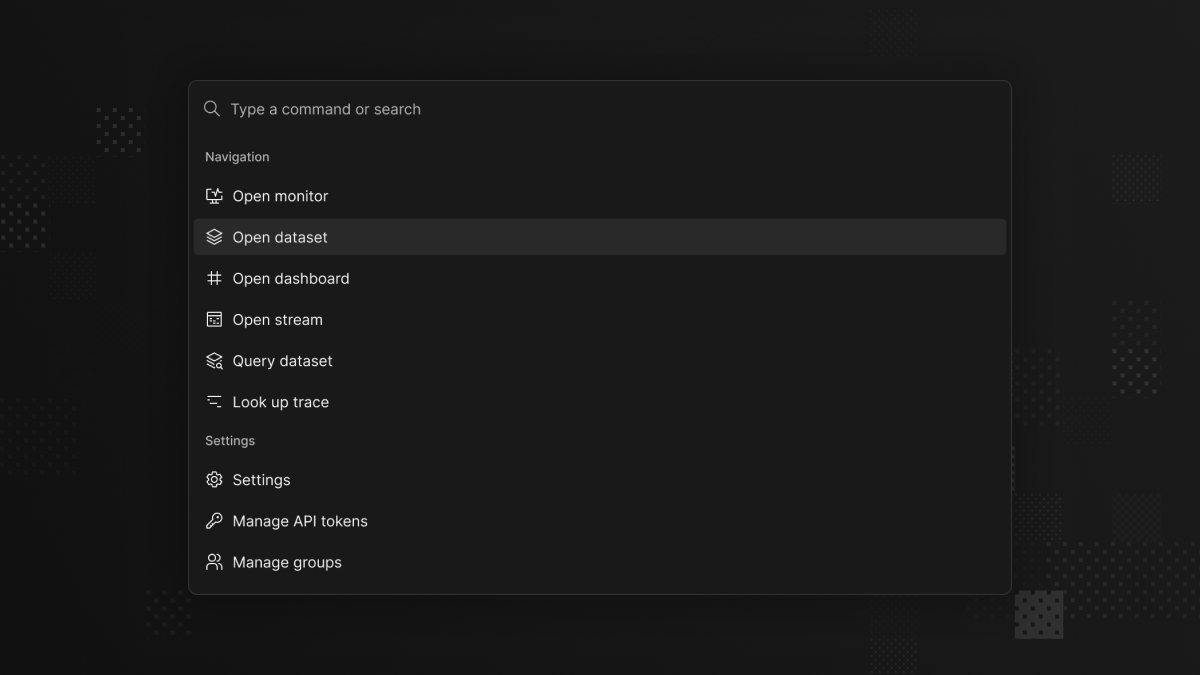
Find datasets, dashboards, and monitors without leaving your keyboard, press ⌘K on Mac or Ctrl+K on Windows and Linux to get started.
The command menu brings search, navigation, and everyday actions together in Axiom Console. Open a dataset, jump to a dashboard or monitor, or look up a trace by ID from one menu.
Commands adapt to the page you’re viewing. Run a query, change a dashboard’s time range, or pause a live log stream. Settings, theme controls, and documentation are also a few keystrokes away.
Press ⌘K on Mac or Ctrl+K on Windows and Linux, then start typing. Use the arrow keys to select a result and Enter to open it or run an action.